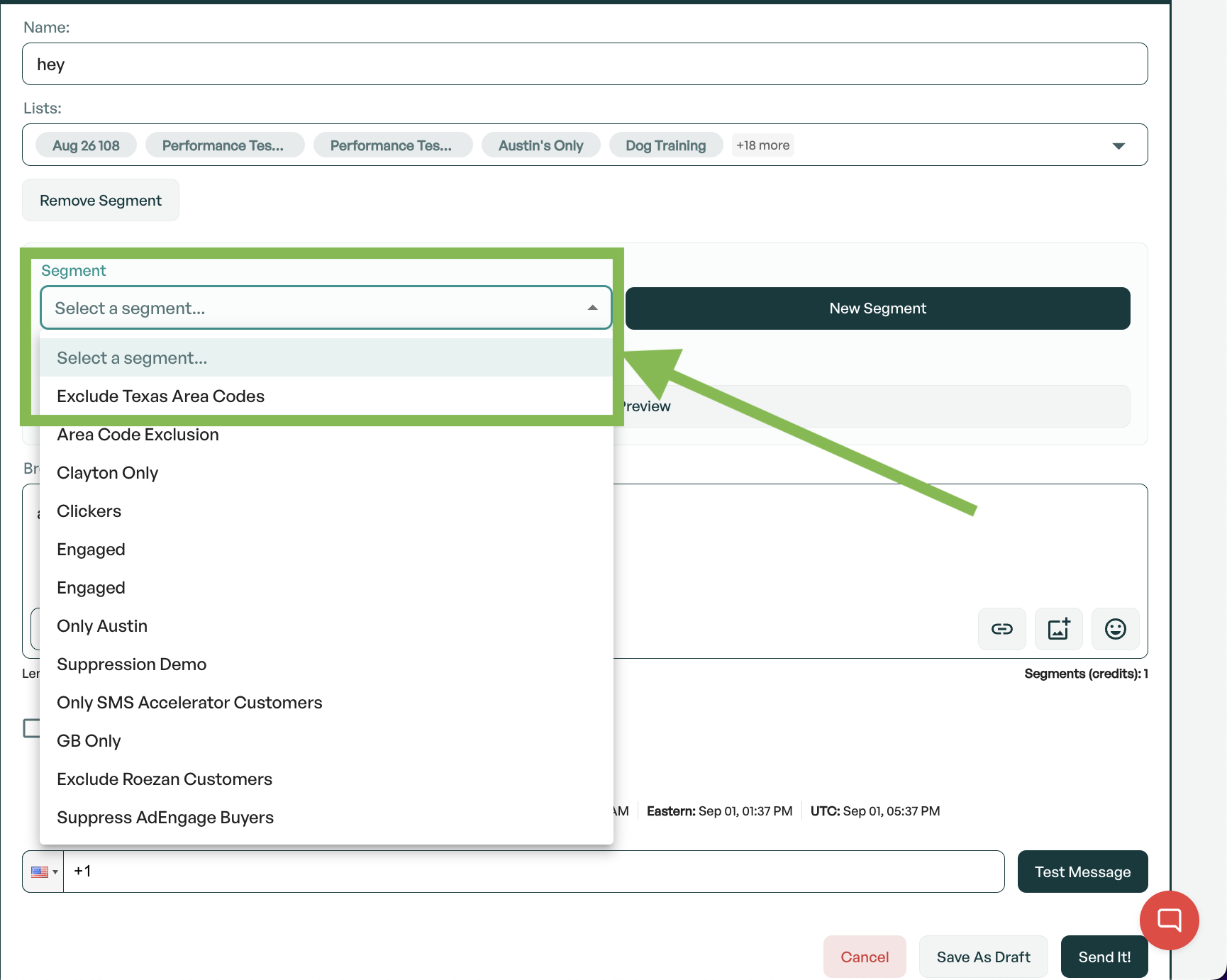
With Roezan segments, you can exclude contacts by State.
This feature looks at a contacts area code to determine their state by default, however the state can also be set manually at the contact level.
Note: Using a contact's area code as their location is not a 100% accurate way of determining location, as it is possible, and common, for contacts to change location and residence while keeping an old phone number.
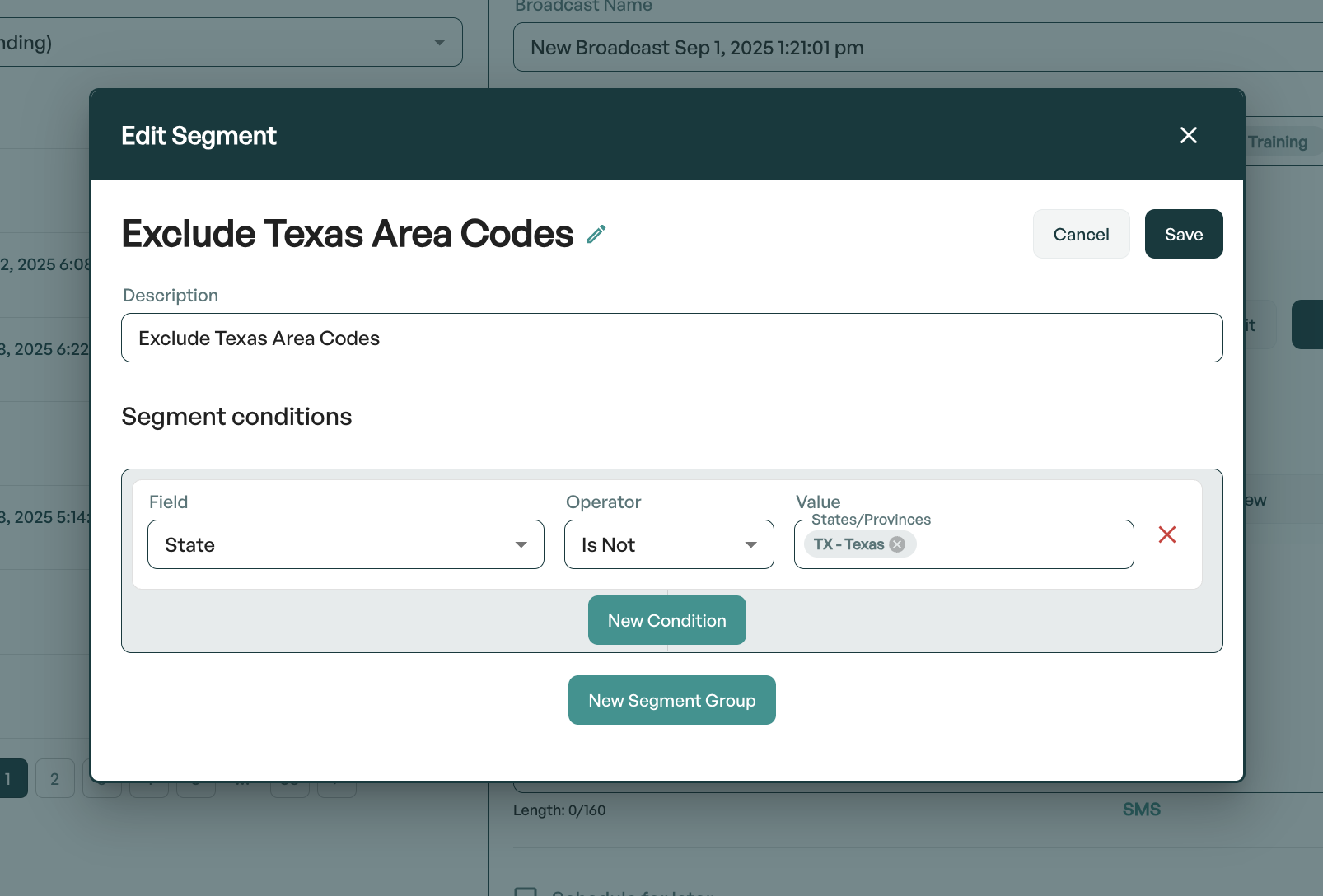
For example, if you'd like to exclude contacts with an area code from Texas:
1. Select the segment options
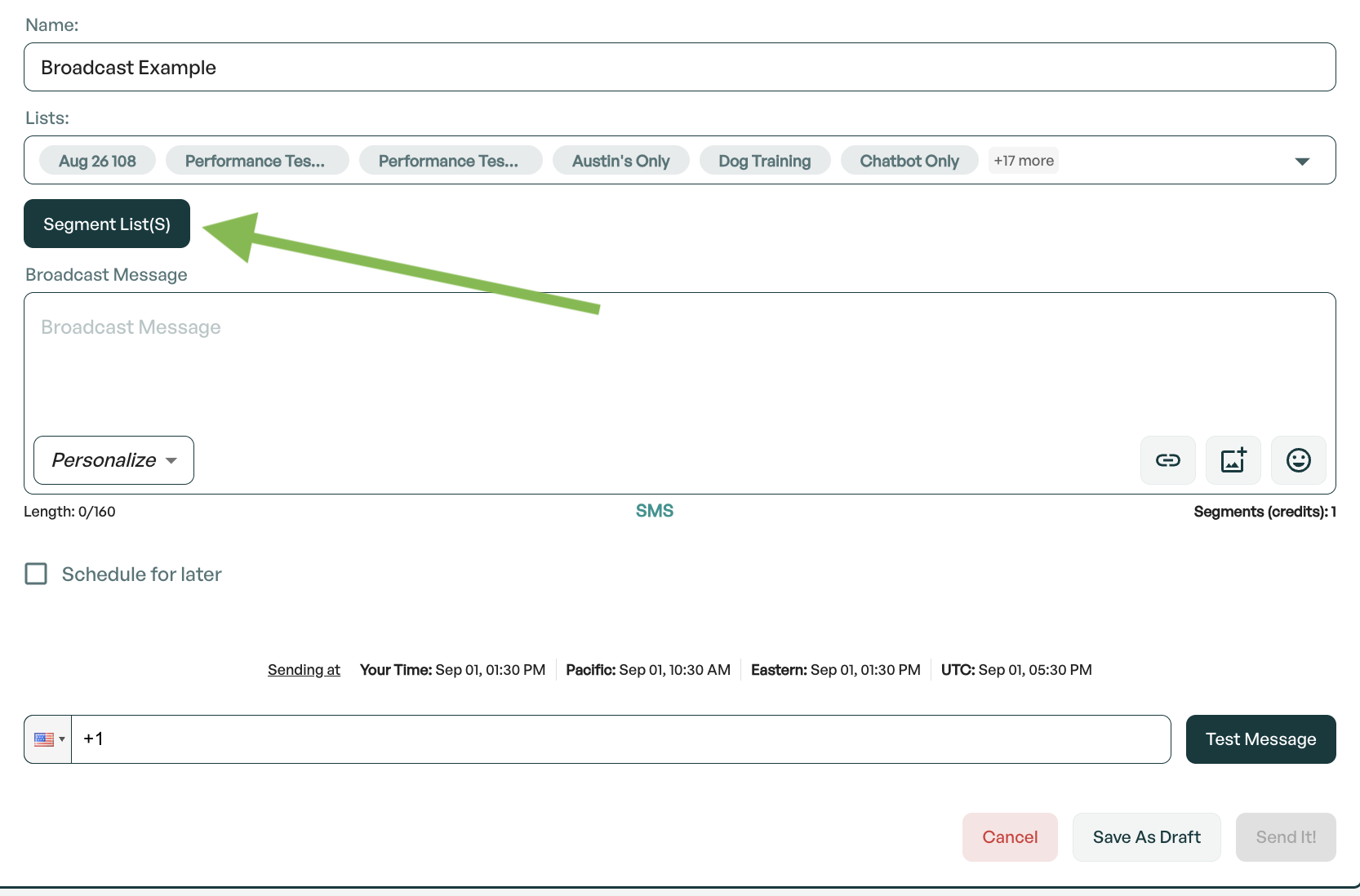
On Broadcasts, after selecting your lists, click "Segment List(s)"
2. Start a new segment
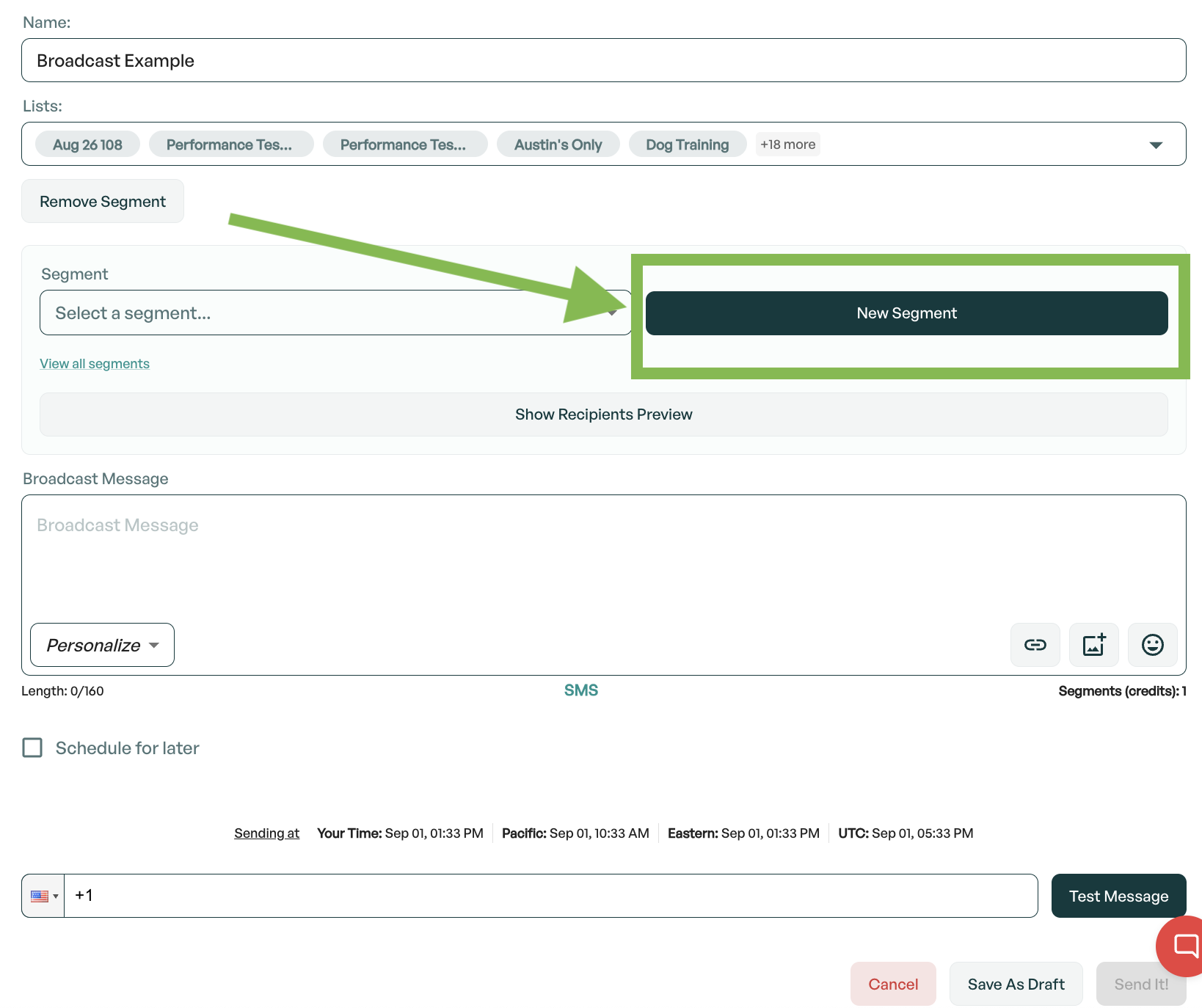
Click New Segment
3. Create the segment conditions
Give it a name and a description. If you'd like to exclude contacts with a Texas area code, it should look like this:
4. Save for future use
Once your segment is created, you can easily select it again in the future by chosing it from the dropdown.