
If you are seeing duplicate texts sent to your contacts, check the following:
1. From a Roezan automation
Check the settings of the automation to see if it's set to single entry, or multiple entry:
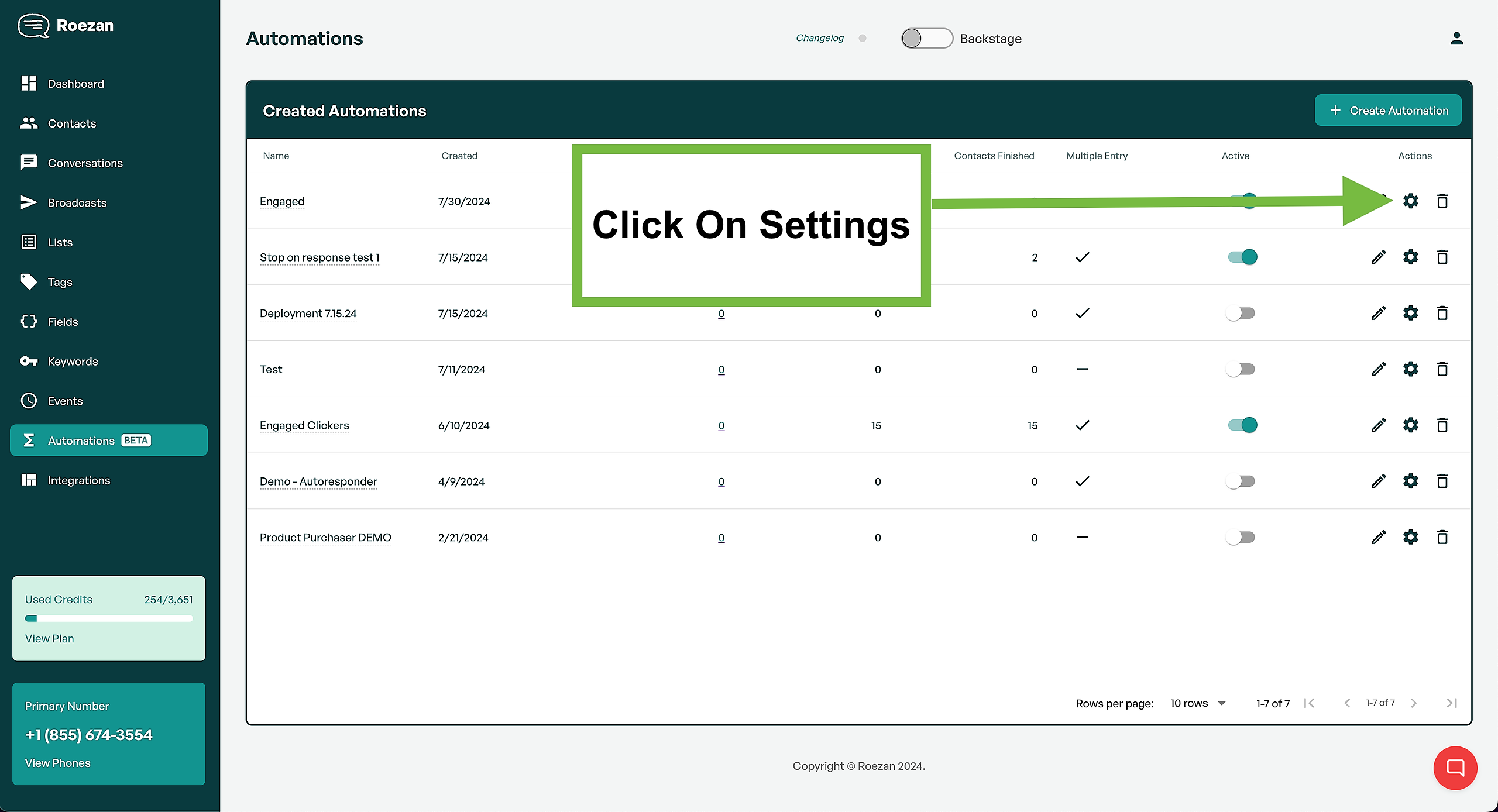
Click settings:
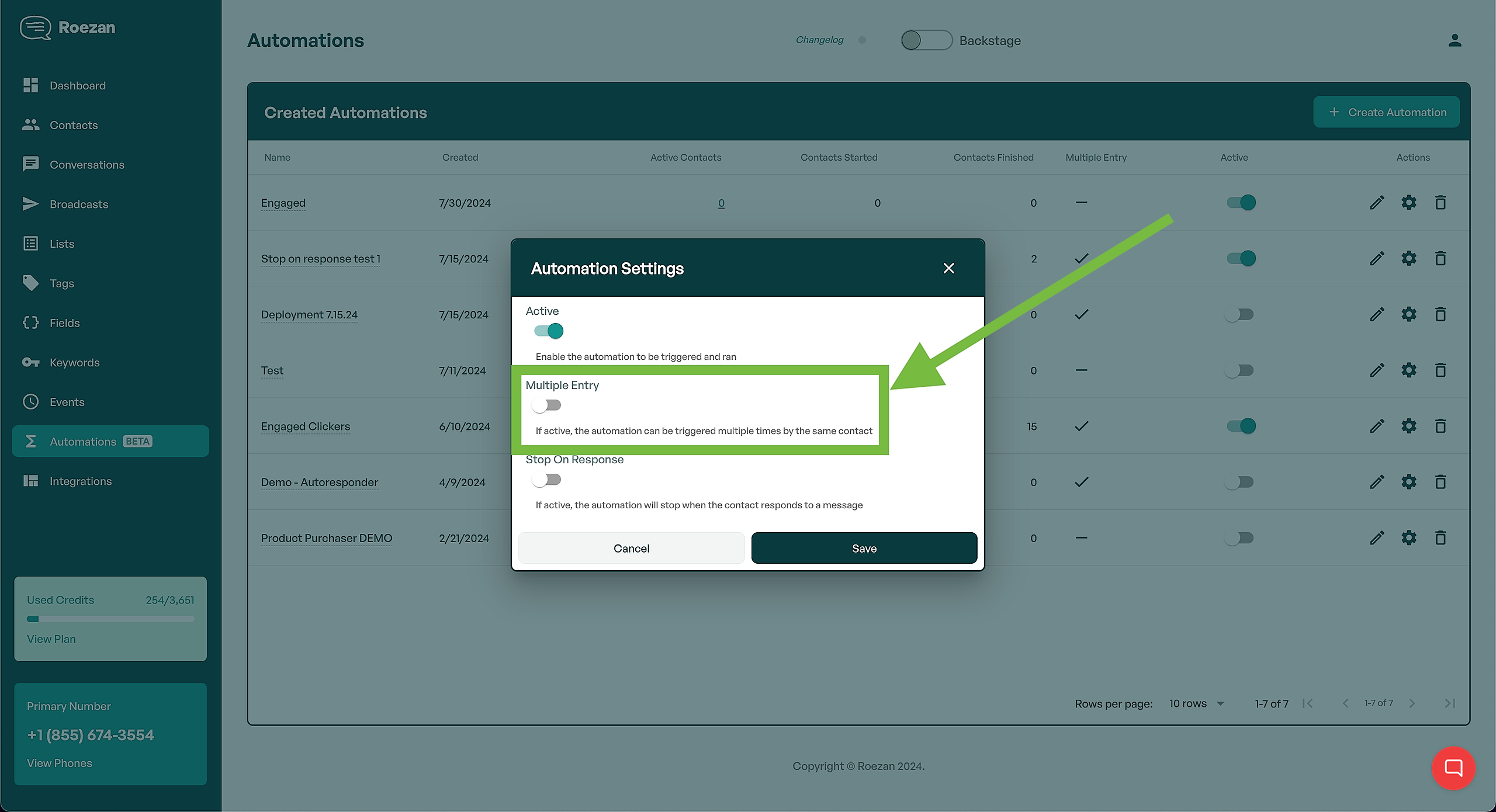
If it's set to "multiple-entry" that means a contact can go through the automation multiple times.
You can change this to "single-entry" and contacts will only be able to enter 1 time.
2. From a Roezan List Auto-Response
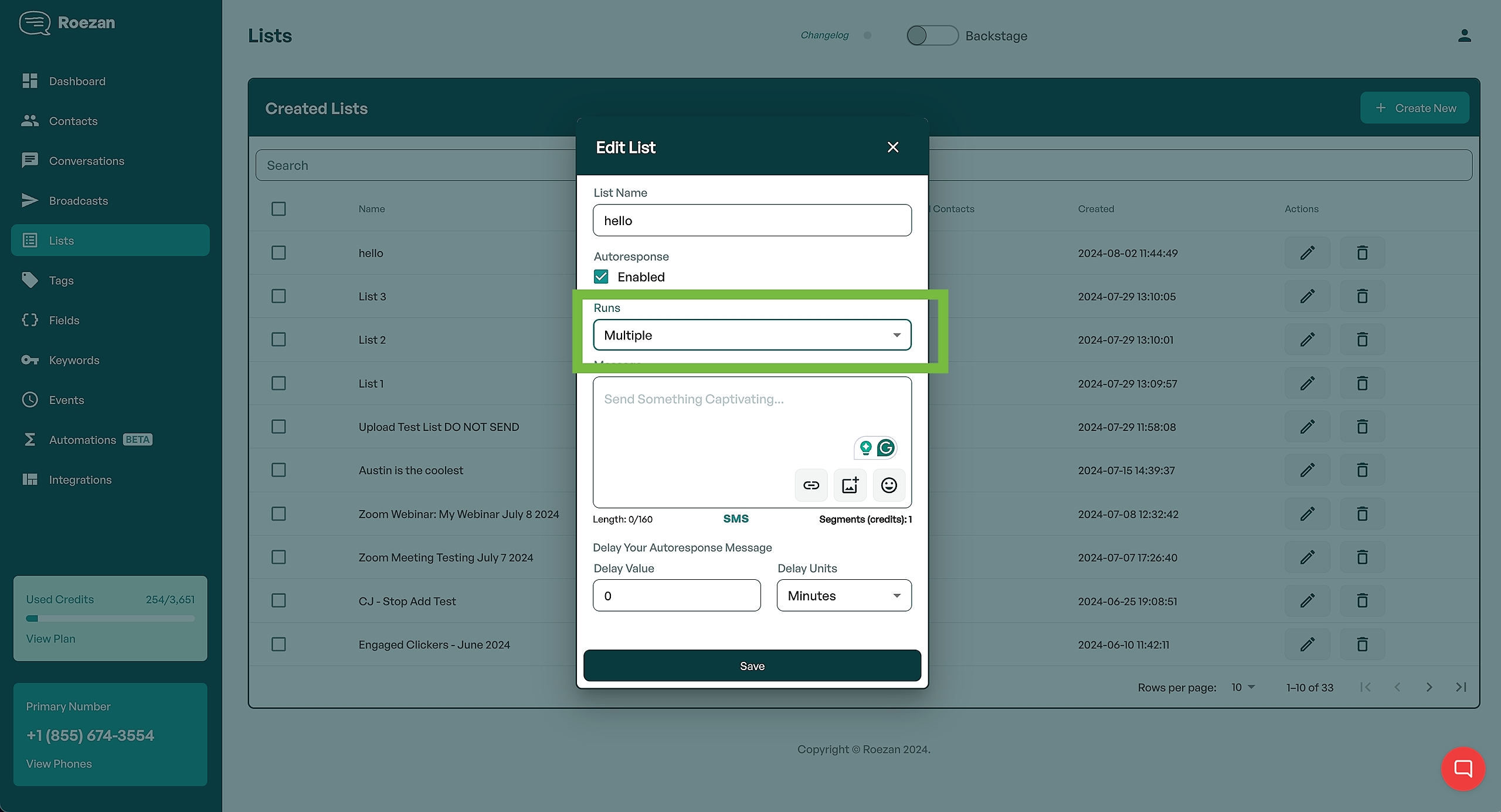
Same deal here -
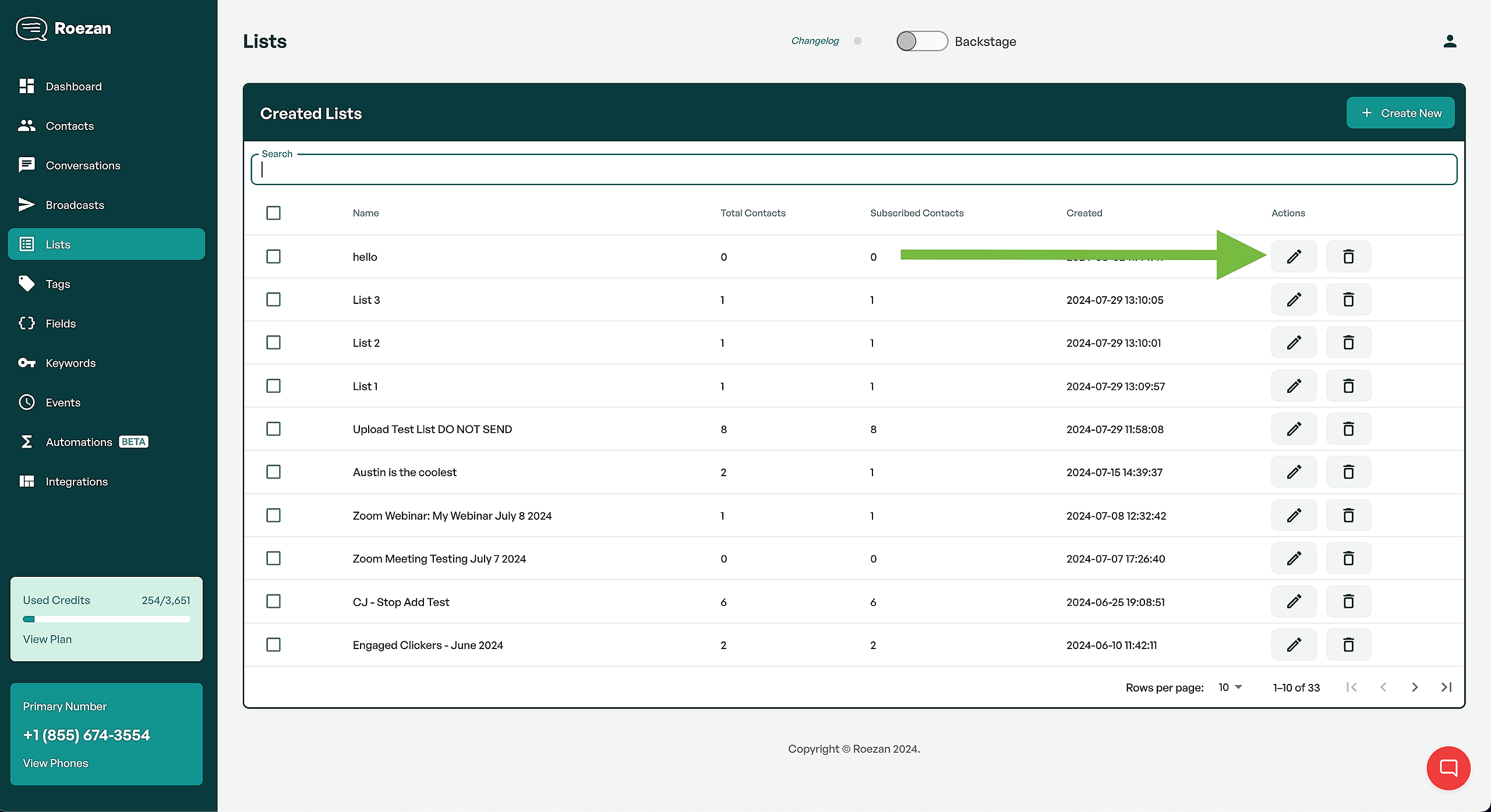
See if the list auto-response is set to multiple and set it to single:
3. From an ActiveCampaign Automation
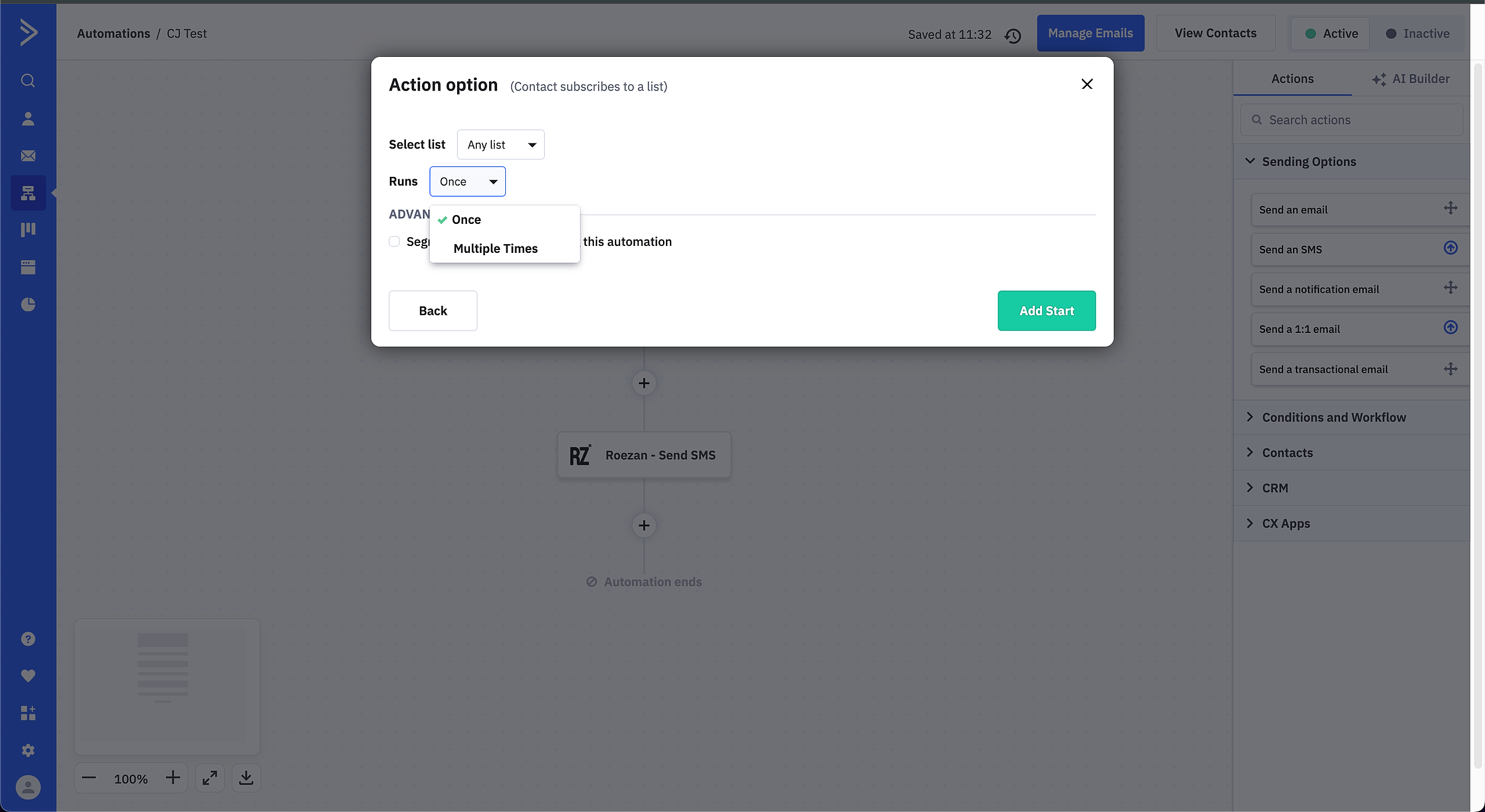
In ActiveCampaign, select the automation trigger, and make sure it's set to run "once"