
How To Export Contacts From Roezan
You can easily export contacts from Roezan by:
1
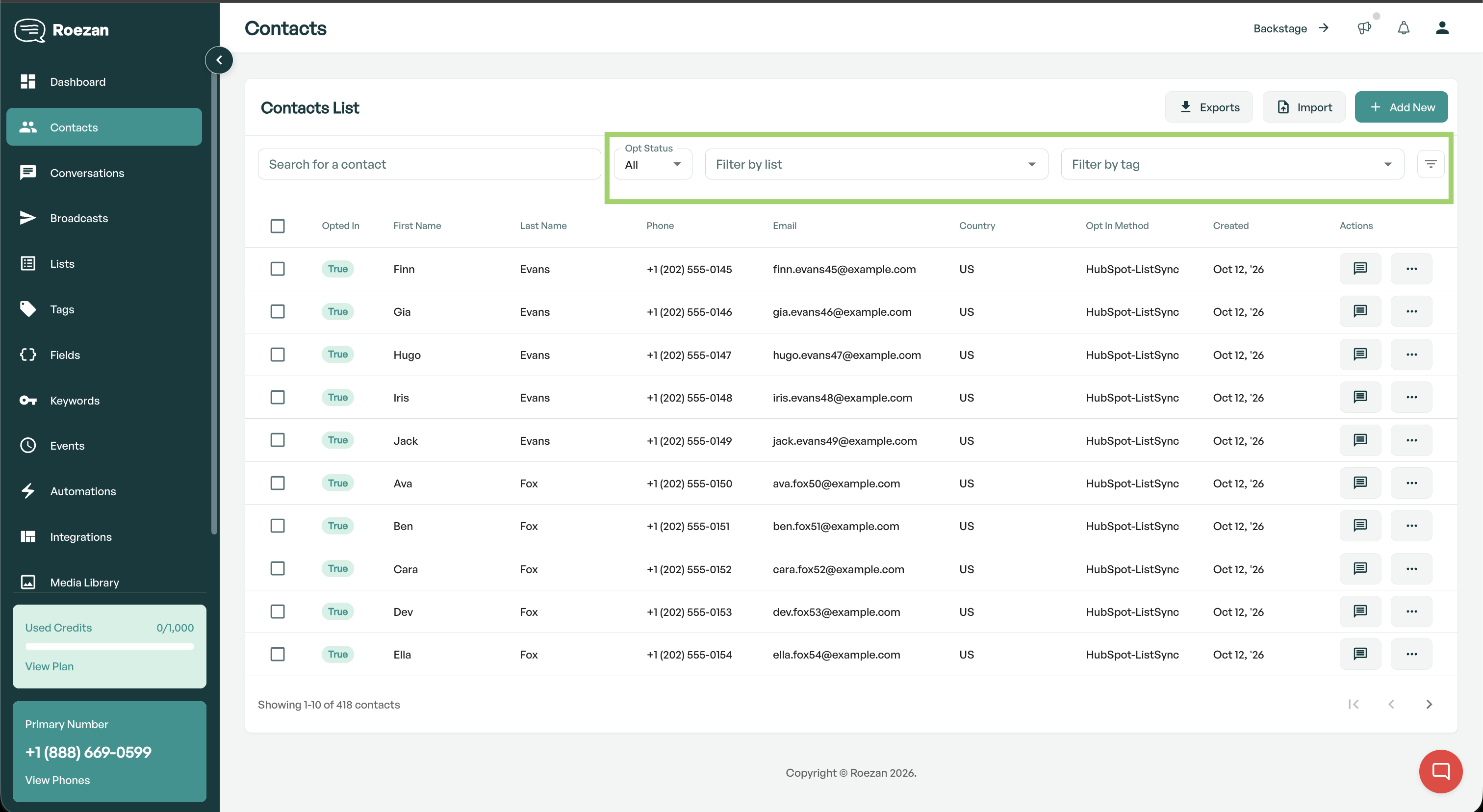
Go To Contacts & Set Your Filters
Go to the contacts page, then set the filters you'd like. You can for example chose a list or add additional filters.
2
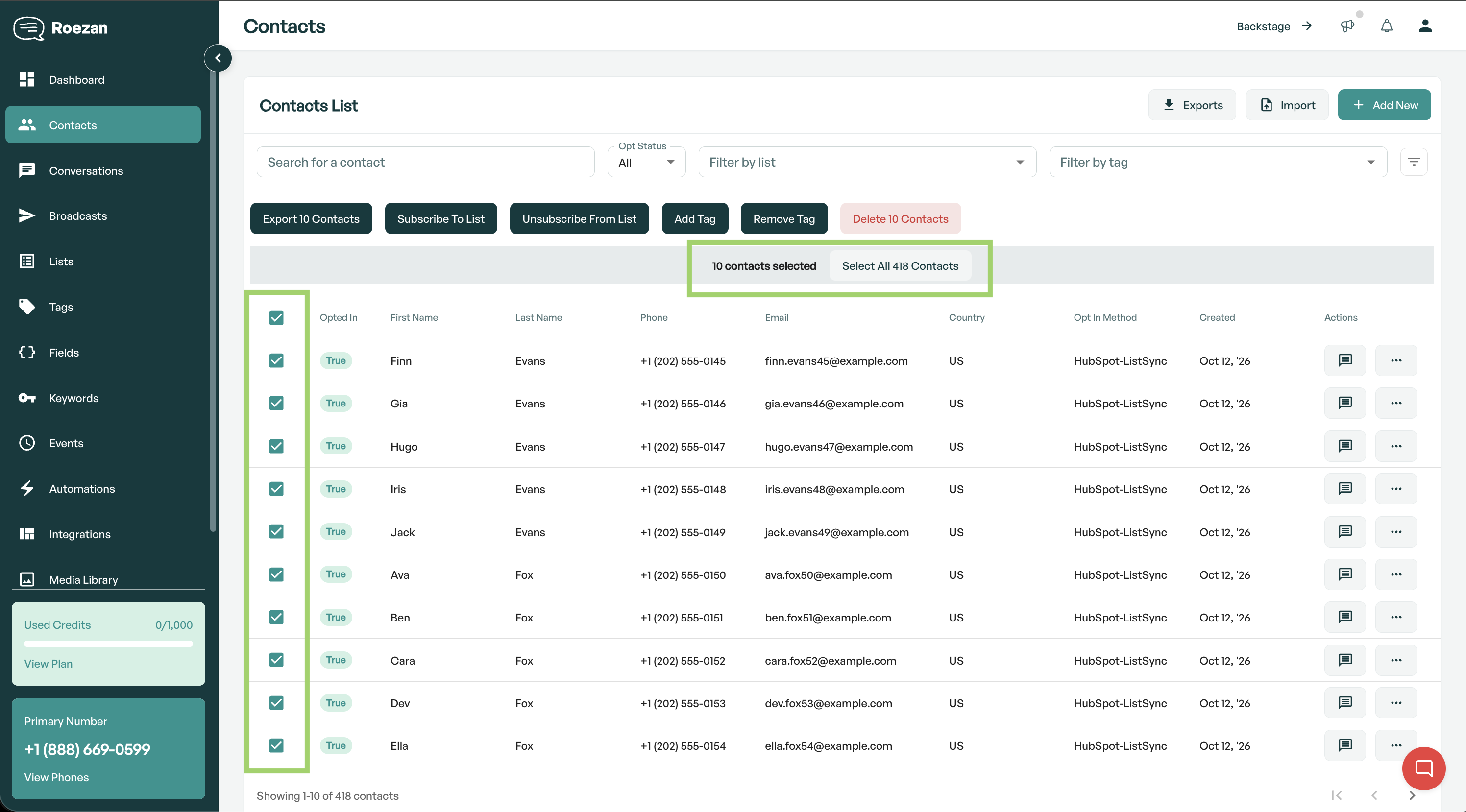
Select the contacts
Select specific contacts, or to select all, click the top checkbox then click "Select All X Contacts"
3
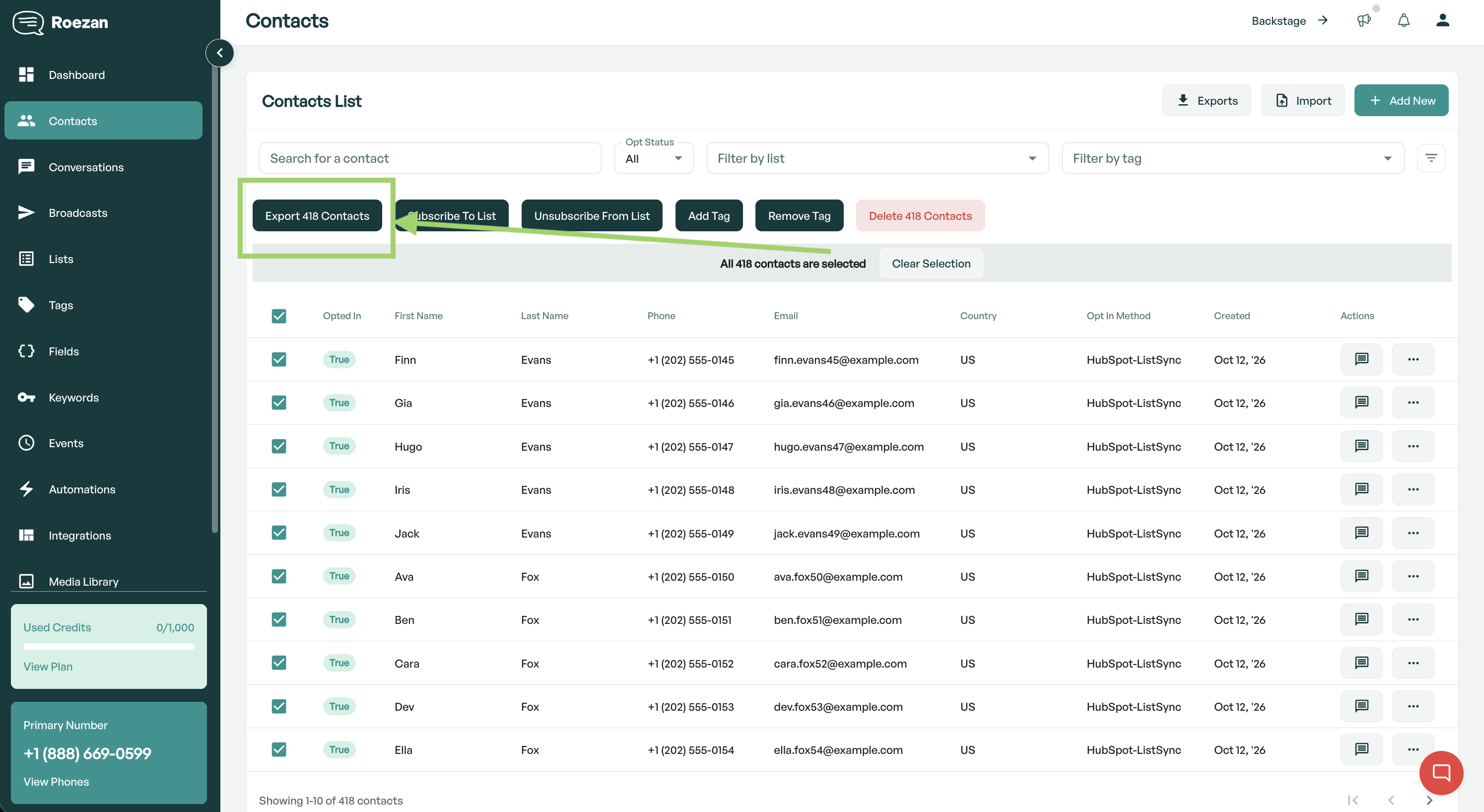
Click "Export X Contacts"
Click the button "Export X Contacts" to export